Dark Mode Website Design: Improve User Experience Today
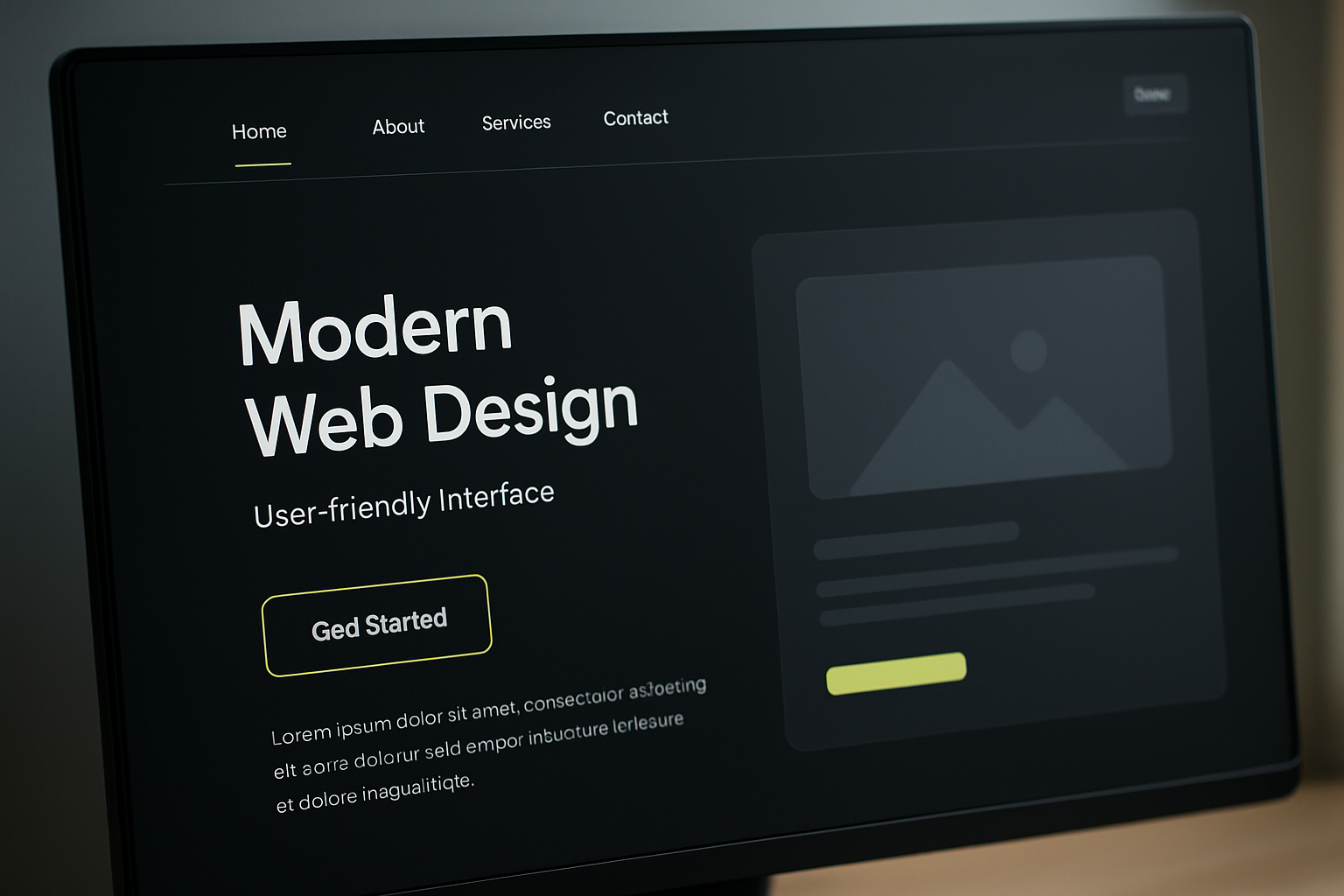
Dark mode website design is a modern approach to creating user interfaces that prioritize visual comfort and accessibility. By employing darker color palettes, these designs not only enhance aesthetic appeal but also improve user experience in low-light environments.
Understanding Dark Mode in Web Design
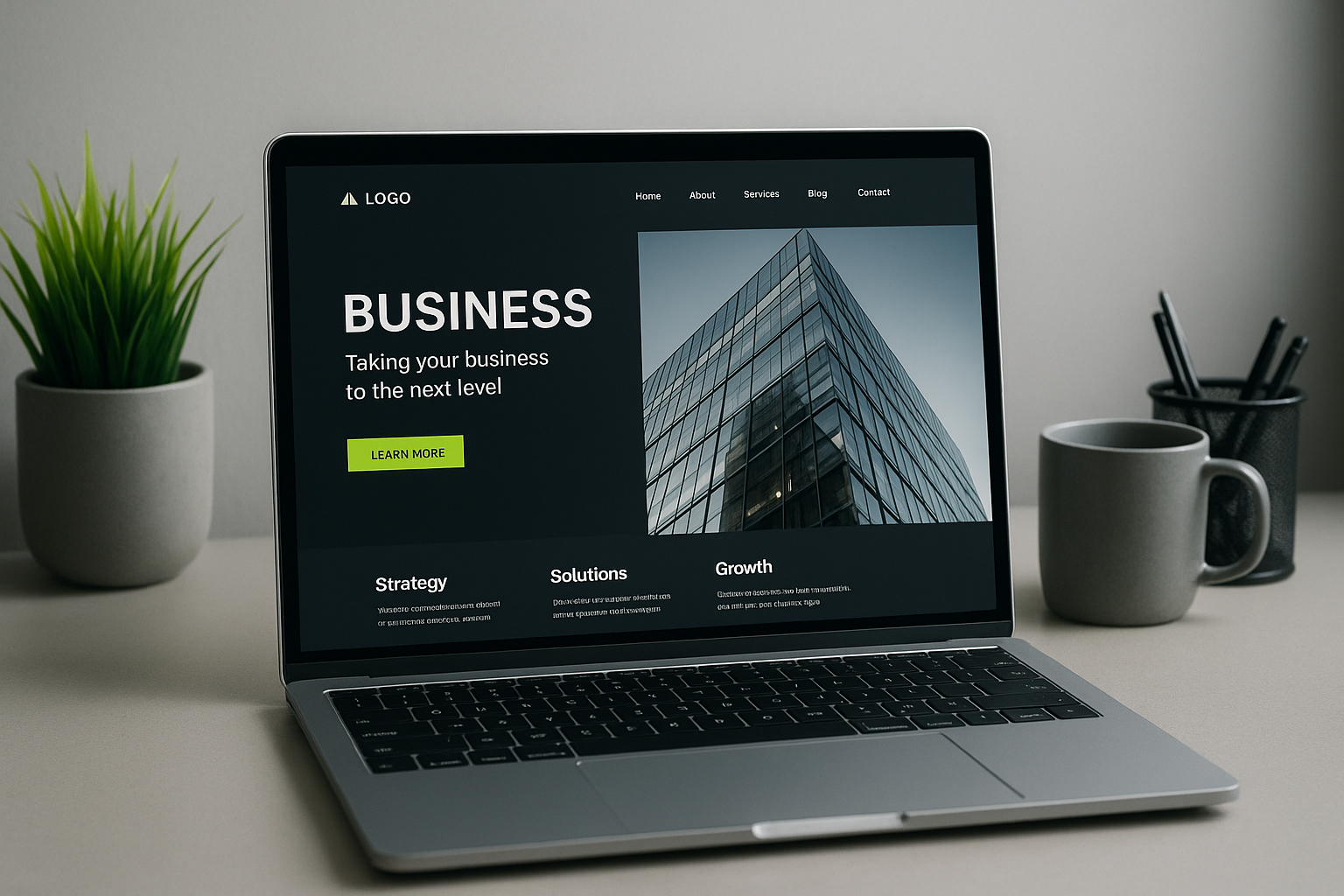
Dark mode is a user interface design that uses light-colored text, icons, and graphical user interface elements on a dark background. This design scheme fosters a less straining visual experience, especially in dim lighting.
What is the Purpose of Dark Mode?
The primary aim of dark mode is to minimize eye strain when using devices for prolonged periods. By reducing glare and utilizing a color palette that is easier on the eyes, users can maintain focus without discomfort. Recent research from the American Academy of Ophthalmology confirms that dark mode can be particularly beneficial for night-time viewers or those sensitive to bright screens.
Benefits of Implementing Dark Mode
Dark mode websites offer various advantages that can significantly enhance user engagement and satisfaction.
Reduced Eye Strain
Numerous studies indicate that darker interfaces can lead to improved visual comfort, particularly in low-light settings. Users benefit from reduced contrast, which leads to less eye fatigue. For instance, a survey by Statista in 2023 showed that approximately 80% of users reported feeling more comfortable using devices in dark mode at night.
Enhanced Aesthetic Appeal
Many users find dark mode more visually appealing. Brands like Apple and Google have successfully integrated dark themes into their applications. Apple reports that dark mode helped increase user engagement across its platforms. The aesthetic choice can align with brand objectives, creating a cohesive visual experience.
Battery Life Improvement
On OLED screens, dark mode can conserve battery life because the pixels used for dark colors consume less power. As per findings from Android Central, enabling dark mode on OLED displays can lead to significant energy savings.
How to Design an Effective Dark Theme
Creating an effective dark theme requires careful consideration of color schemes, typography, and accessibility.
Color Schemes
Utilizing a balanced color palette where the foreground and background colors create sufficient contrast is essential. Following guidelines provided by Material Design, designers should aim for a contrast ratio of at least 4.5:1. This ensures that text is readable against the dark background without causing strain.
Best Practices for Typography
Using light-colored fonts can enhance legibility. Research indicates sans-serif fonts like Helvetica and Open Sans work well against dark backgrounds. Consistency in font sizes and spacing is critical to maintain readability and user interface harmony.
Accessibility Features in Dark Mode Design
Accessibility in dark mode design is crucial to ensuring every user can navigate without issues. Here are a few considerations:
High Contrast Elements
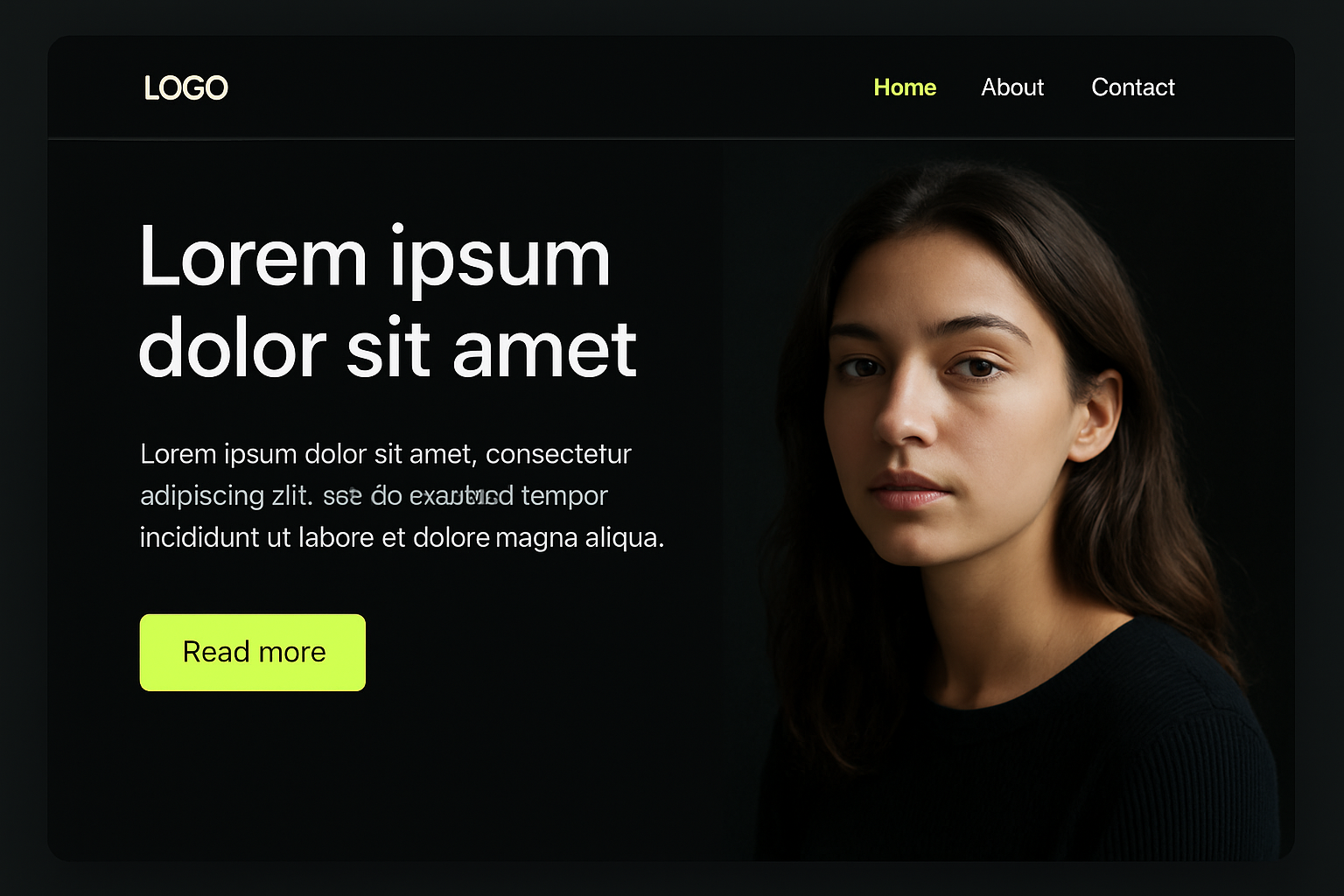
Designers should consider integrating high-contrast buttons and links. This helps users with visual impairments navigate effectively. Websites must provide options to adjust contrast levels to fit user preferences.
Customization Options
Offering users the ability to toggle dark mode on or off ensures they can personalize their experience, allowing those who have trouble viewing dark interfaces to switch back to light mode. Interactive elements should convey active states clearly irrespective of the theme.
Comparing Dark Mode to Traditional Light Mode
Light mode, characterized by a bright background with dark text, focuses on clarity and brightness. In contrast,
Dark Mode vs. Light Mode Design
- User Comfort: Dark mode leads to less eye strain in low-light environments whereas light mode may be preferable in bright settings.
- Energy Efficiency: Dark mode websites on OLED screens can save battery.
- Engagement: Many users report higher engagement levels when using dark mode due to its elegant look and comfort.
User Preferences and Dark Mode Adoption
The demand for dark mode continues to rise. Websites like Twitter and Facebook have noted increased adoption rates following their dark mode releases. Surveys reveal that at least 60% of users actively use dark mode, indicating a significant shift in preferences.
Real-World Examples of Dark Mode Websites
Many industry-leading brands have seamlessly integrated dark mode into their platforms, enhancing user experience:
- YouTube: Offers a fully-fledged dark mode, catering to users who watch videos at night.
- Slack: Provides dark themes to enhance usability.
This adoption demonstrates a clear trend moving toward thoughtful design choices.
Future Trends in Dark Mode Website Design
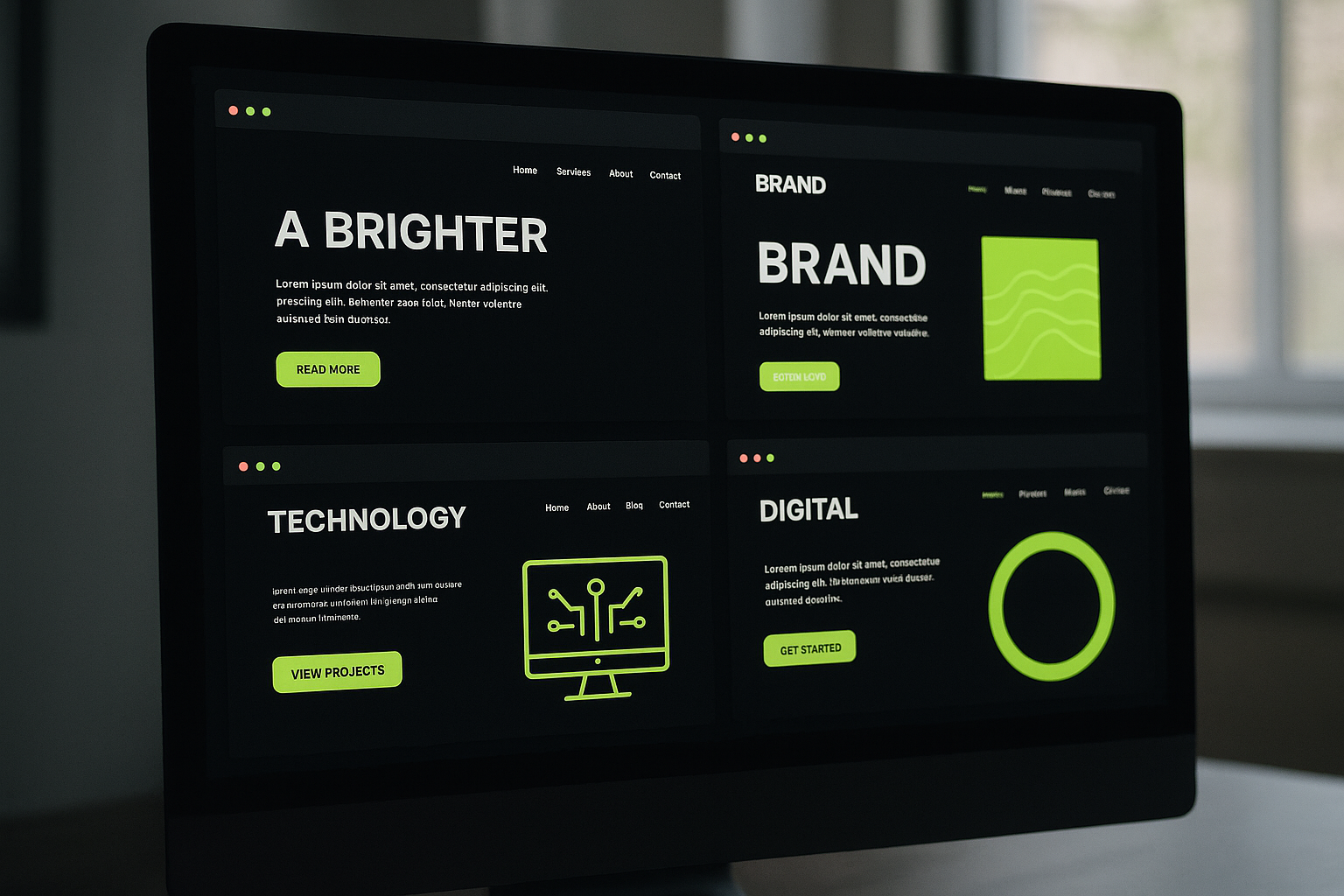
The future of dark mode design integrates further customization and improved accessibility tools. As user preferences continue to evolve, the demand for intelligently designed dark interfaces indicates a robust future. Designers who stay attuned to these trends will likely lead the pack.
Conclusion
Dark mode website design is not just a trend; it’s an essential evolution in user experience. With clear benefits in comfort and engagement, it’s crucial for brands to consider implementing this aesthetic. As user preferences evolve, staying ahead of design trends will be imperative for success.
Frequently Asked Questions
What is dark mode in web design?
Dark mode in web design refers to a user interface that displays light-colored text on a dark background. It’s designed to reduce eye strain and improve readability in low-light environments.
How does dark mode affect user experience?
Dark mode can enhance user experience by reducing glare and eye strain, particularly in low-light settings, leading to longer and more comfortable engagement with the website.
What are the benefits of dark mode?
The benefits of dark mode include reduced eye strain, improved battery life on OLED devices, and an aesthetic appeal that many users prefer over traditional light mode.
How to implement dark mode on a website?
To implement dark mode on a website, developers can use CSS media queries to detect user preference and apply a dark color scheme dynamically.
Can dark mode improve readability?
Yes, dark mode can improve readability for many users, especially those sensitive to bright screens, by providing a softer visual experience in low-light environments.
Is dark mode better for eye strain?
Yes, many studies suggest that dark mode can be easier on the eyes in low-light situations, helping to alleviate discomfort from glare and excess brightness.
How popular is dark mode among users?
As of 2023, surveys indicate that around 60% of users prefer dark mode, showing its rising popularity across various devices and applications.